
How it works
From settlement to every client paid.
Three stages. Your firm stays in control of the money and every decision. We do the chasing.
01 · Collect
Every client reached, every bank account confirmed.
- Import from a spreadsheetUpload your clients and download every rejected row with the reason.
- A secure link in your firm's nameEach client confirms who they are and enters their own account details. Emails can come from your own domain.
- Chased until they answerEmail, text, WhatsApp, a letter to their home, then a phone call. Each one follows up on the last.
- See where each client stoppedDelivered, opened, clicked, identity confirmed, bank details in.
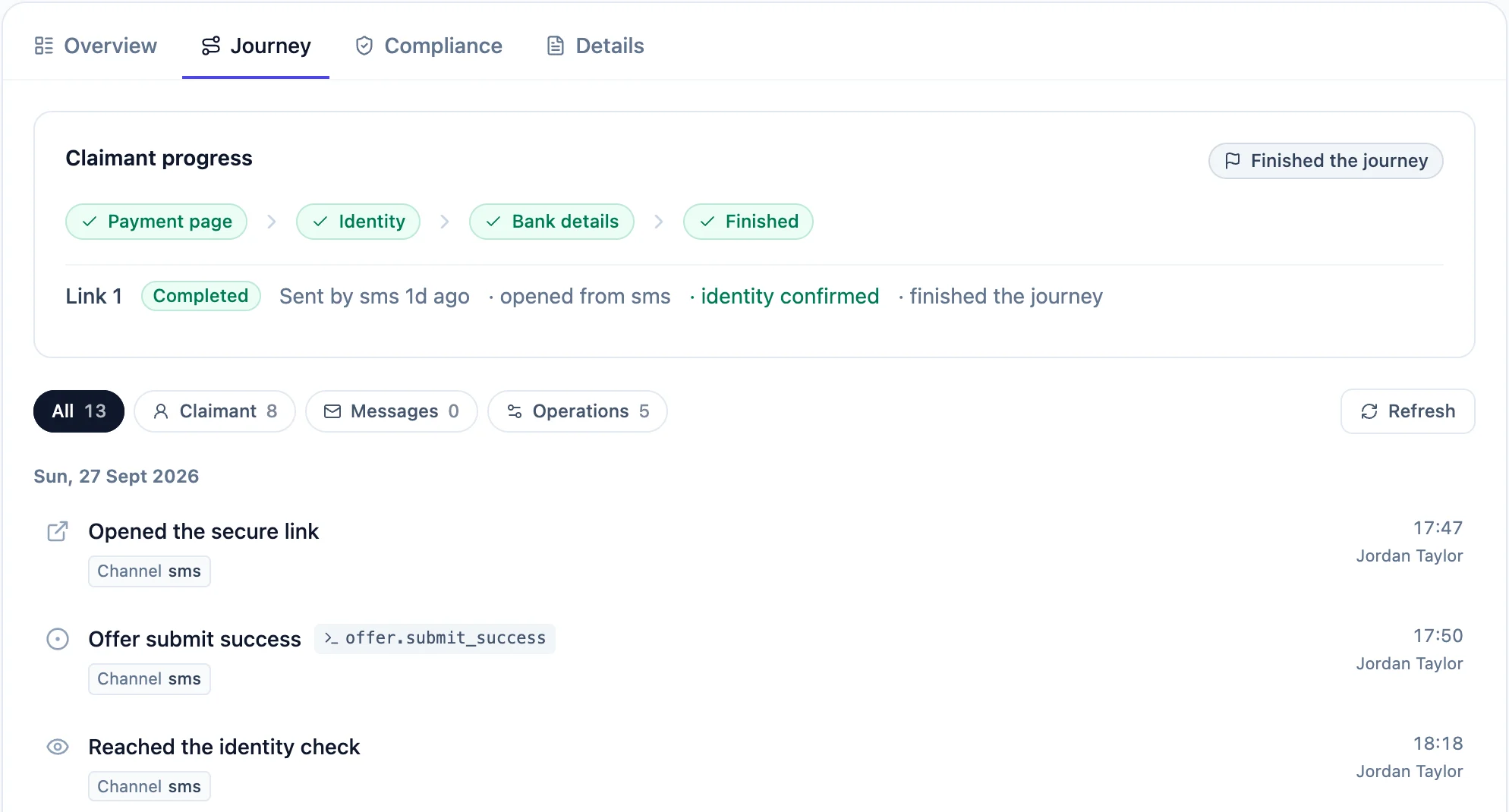
02 · Authorise
Nothing moves until the right people sign it off.
- Prepare and approveAn operator prepares the payment and an approver signs it off. Above a limit you set, two people must.
- Screened before it's paidSanctions, PEP, insolvency and identity checks run on every authorised payment. The decision stays with you.
- Roles and two-factor sign-inOperators prepare, approvers sign off, viewers read. Two-factor sign-in is mandatory for everyone.
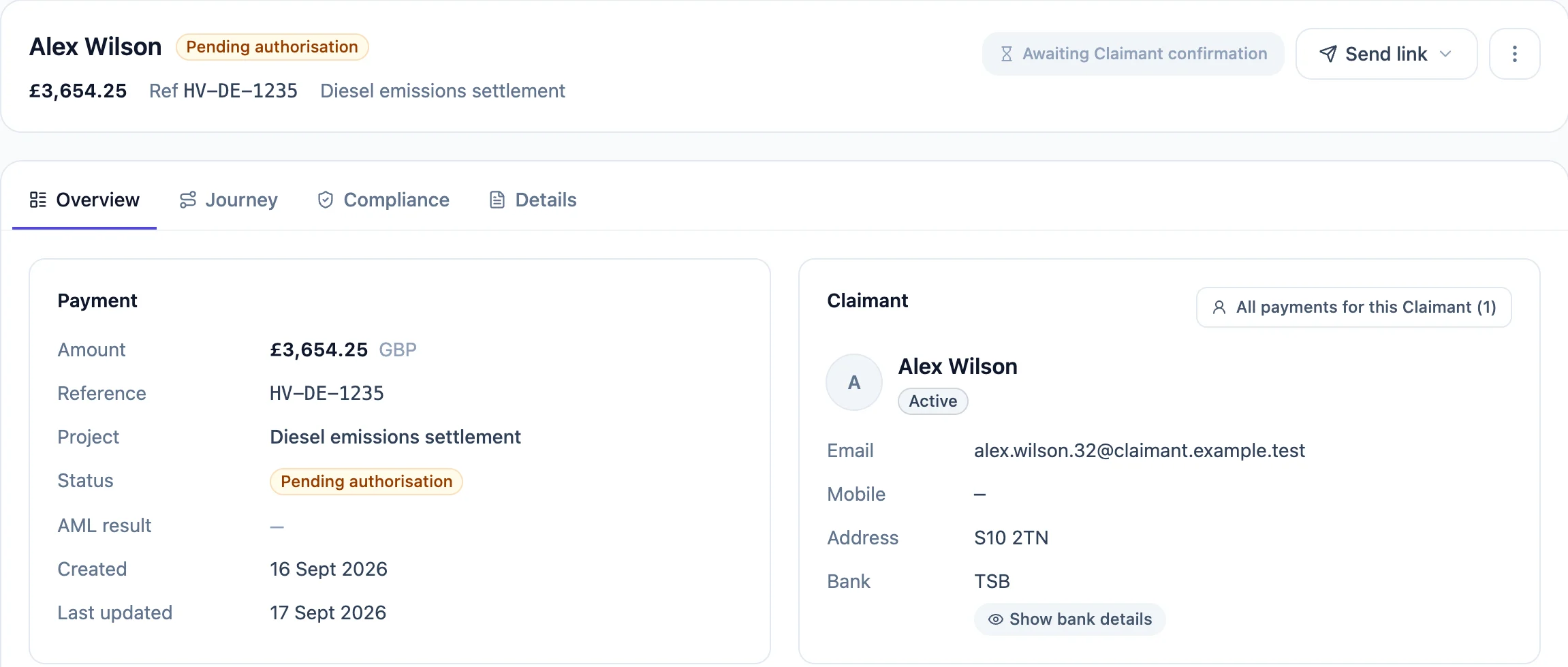
03 · Pay and reconcile
Paid by Link FX, ready for your ledger.
- Confirmed, then paidLink FX confirms the payee and pays from your safeguarded account by Faster Payments.
- Every payment to a final stateStatus, Confirmation of Payee result and Link FX reference on every payment.
- Ready for your ledgerExport to CSV for your client account ledger. Your accounting system stays the record.
- An audit trail on every paymentWho imported it, who approved it, what was checked and when.
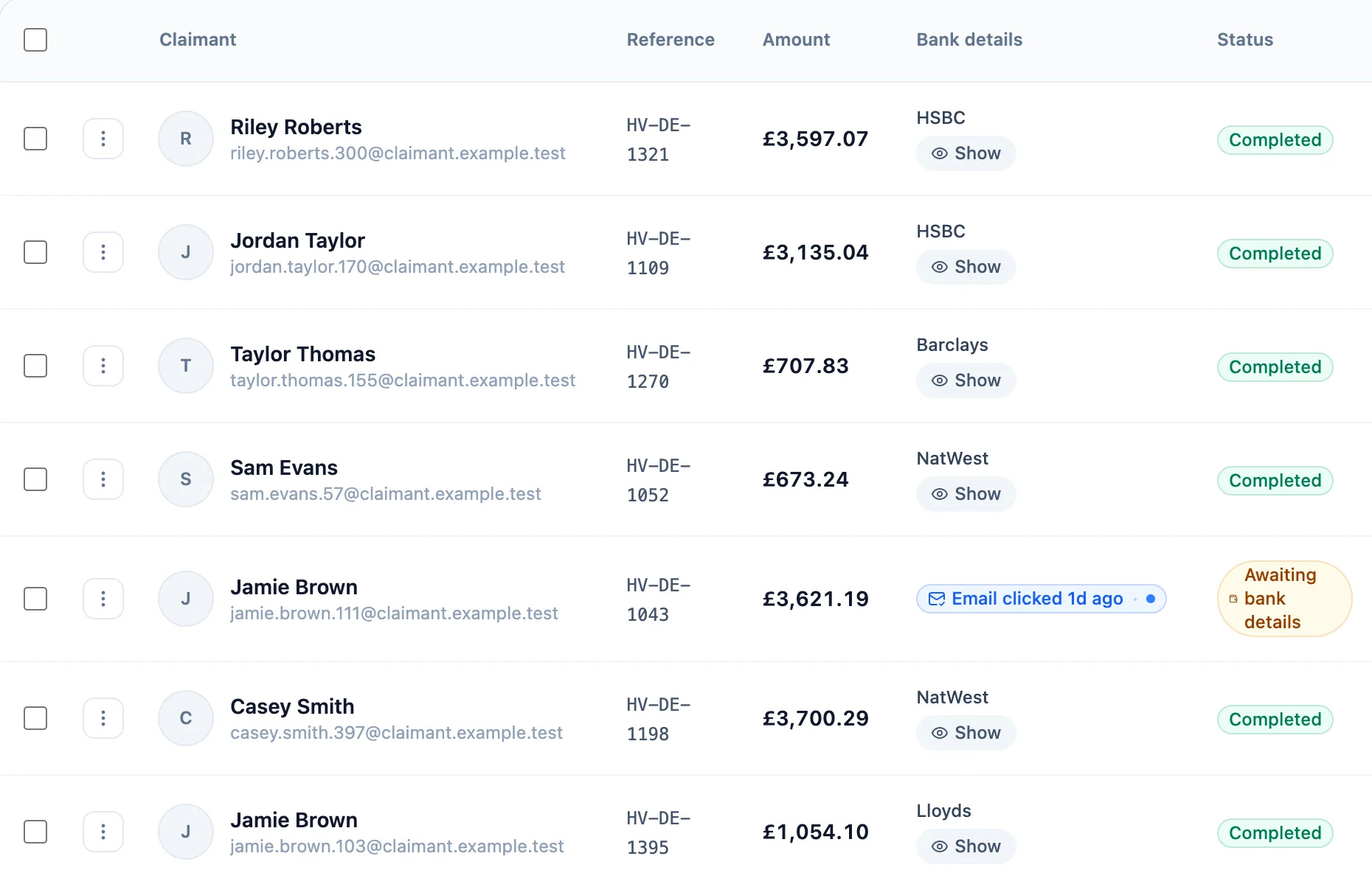
Who does what
Claims Gate Pay never holds client money and never makes the AML decision.
Your firm
- Funds the settlement from your client account
- Authorises every payment
- Makes the AML decision
Claims Gate Pay
- Reaches and chases every client
- Collects and checks bank details
- Runs screening and keeps the audit trail
Link FX
- Holds funds in safeguarded accounts
- Confirms the payee
- Pays out by Faster Payments
See a settlement run from import to paid.
Walk through it with the team that built it.